XE360
Product Information
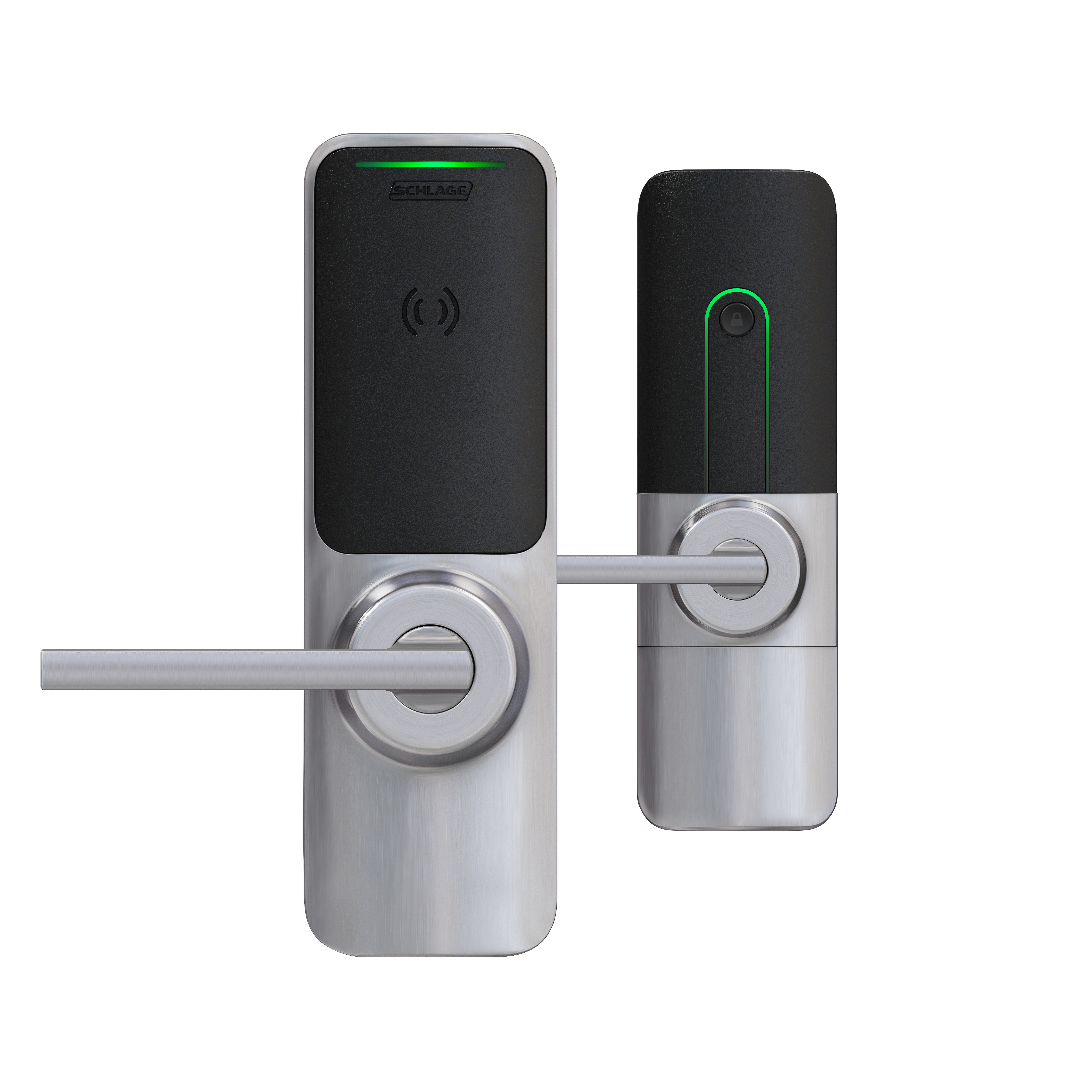
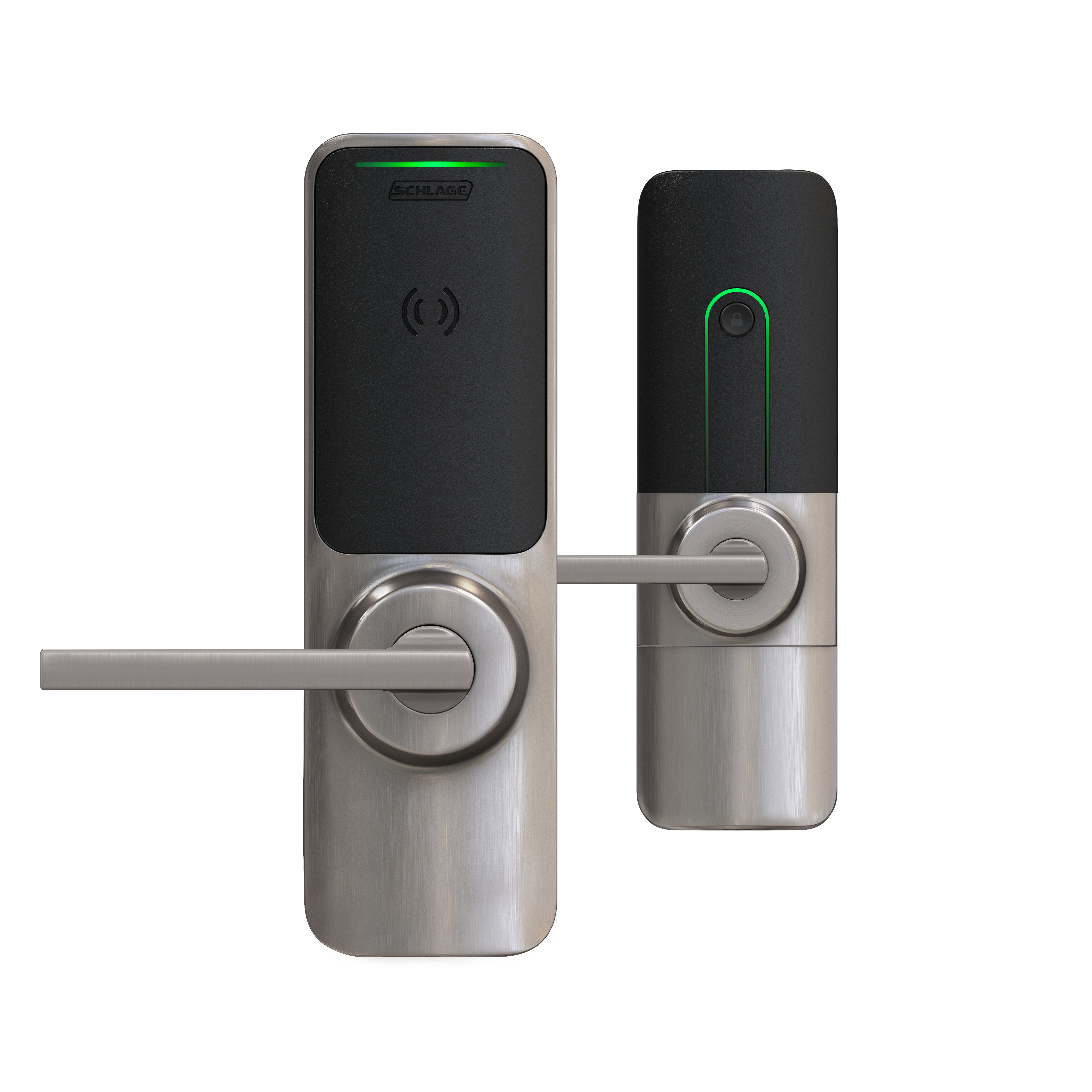
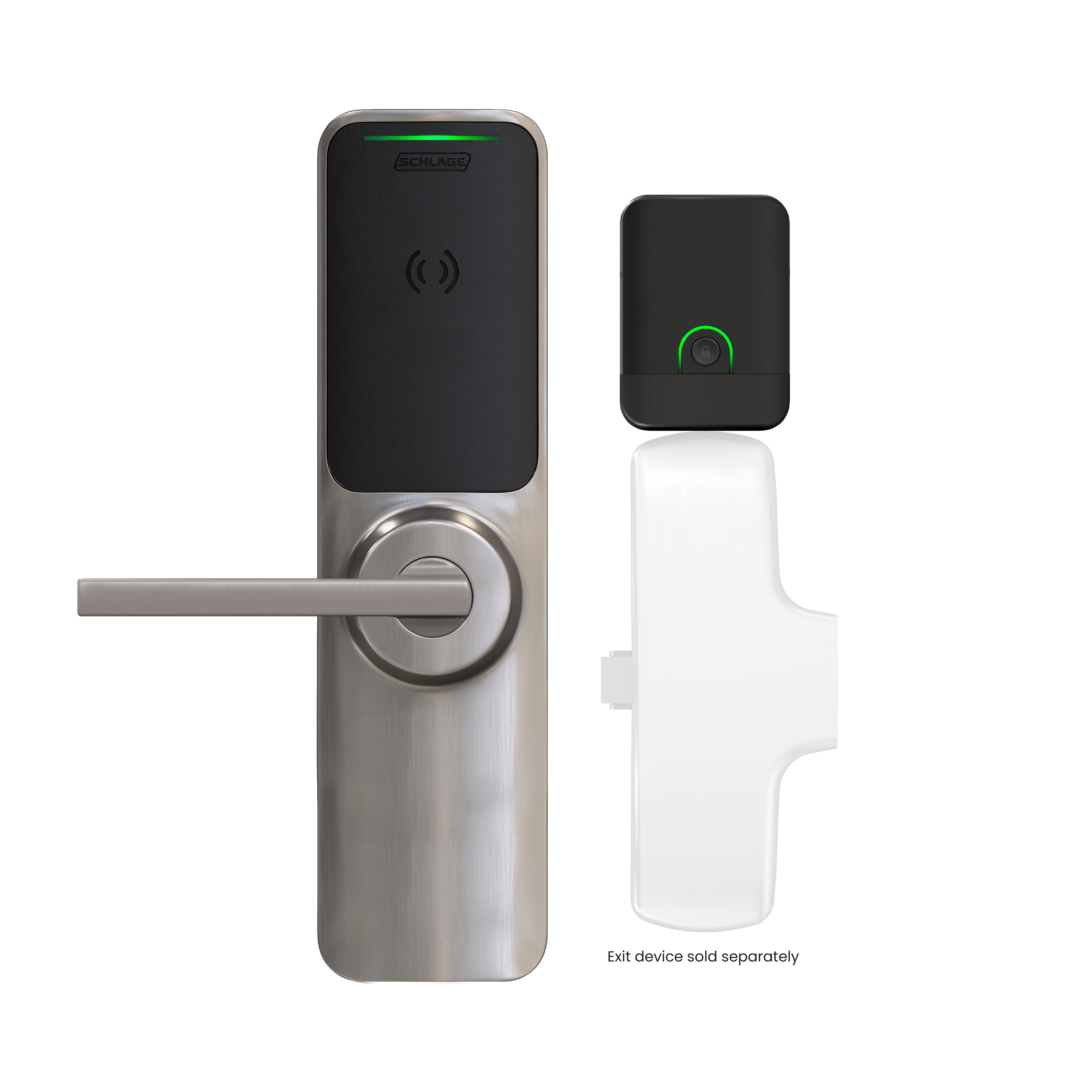
Device Information and Settings
Device Information | XE360 |
|---|---|
Submodels | XE360i – LED indicator XE360b – Internal push button XE360d – Deadbolt |
Applications | Resident Units, Perimeter Exits, Amenity Spaces, Common Areas |
Operating Mode | Offline |
Supports ResKey NFC Credentials | Yes |
Support Zentra BLE Credentials | Yes |
Number of Users Supported | 2,000 |
Number of Audits Supported | 2,000 |
Setting | Description | Contingencies | Options (Default) |
|---|---|---|---|
First Person In | Guarantees that at least one person is present when the door is open. | Works with AutoUnlock Schedules. | On: lock will remain locked until a user presents a credential to open the door. The lock will then stay unlocked until the end of the AutoUnlock period. (Off) : lock will unlock at the set unlock time. |
DPS | Senses whether the door is open or closed. | Physical DPS must be installed. | On: monitor the door status (Off) : do not monitor the door status |
Door Prop Delay | The amount of time before a door prop event is generated. | Door Position Sensor must be On .Door Prop Enabled must be On . | 1-255 seconds (20) |
Latch Interval (Relock delay) | Number of seconds before the latch relocks after unlocking. | Latch must beOn . | 1-30 seconds (3) |
Fail Modes | Defines what the device should do when entering Critical Battery Mode. Fail Safe should be used when free egress is necessary. Fail Secure should be used for high security applications. | : device will move to unlocked state during power failure Fail Secure: device will move to locked state during power failure | |
Beeper | Toggle whether the beeper should sound or not | (On) : the lock beeper will sound. Off: the lock beeper will not sound. | |
Beeper Sounds | Indicate which event should cause the lock beeper to sound. | Beeper must beOn . | (Event) : beeper will sound for each event Tamper Event: beeper will sound for tamper events |
Lock Functions | Apartment: Door doesn’t relock automatically to prevent the user from being locked out of their residence. The interior pushbutton or deadbolt will allow the resident to lock the door from the inside. Office: Uses the interior pushbutton or deadbolt to allow the users to lock the door from the inside. Can be overridden by a valid credential. Privacy: Uses the interior pushbutton or deadbolt to allow the user to lock the door from the inside. While in Privacy Mode, valid credentials are denied access Storeroom: The lock is secure until a valid credential is presented. The inside lever will always open the door. | XE360I will always be Storeroom and cannot be changed. | XE360I: (Storeroom) XE360B & XE360D: Apartment, Office, Privacy, (Storeroom) |
Blink Interior LED | Toggle whether the interior LED should blink or not | DPS must beOn . | On: the LED on the inside of the device to blink while the door is locked and closed (Off) : the LED will not blink |
Blink Interval | Indicates how quickly the interior LED blinks. | DPS must beOn . Blink Interior LED must beOn . | (Normal) Rapid |
Mechanical Override Detection | Toggle whether a mechanical override event should be generated when the mechanical key is used. | (On) : mechanical override event will be generated when key is used. Off: no event will be generated | |
Last Sync time | The date/time the device was updated via the mobile app sync | n/a |