Delete Dashboard
- Navigate toHome.
- Click on the name of the Dashboard you want to delete.
- Hover over the name of the Dashboard, and then click on the the trash can that appears.
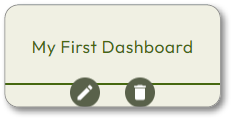 If only one Dashboard exists, the trash can icon will not appear.
 - Click
in the confirmation window.Confirm
You cannot delete the last remaining Dashboard; there must be at least one Dashboard.