Profile Menu
- Click your name in the lower left corner of the screen.
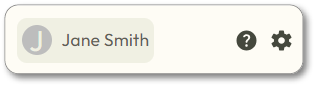
- Choose one of the following from the pop-up menu:
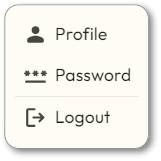
Profile
This screen can also be accessed through Edit User.
Password
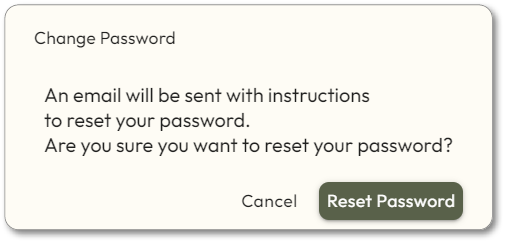
button. An email containing a link will be sent to the email address in your profile. Follow the directions in the email.Reset Password
Logout
Click the
button. You will be logged out immediately.Logout