Deactivate a User
Please note that simply deactivating a User profile alone
will not
prevent a resident from accessing doors with which they have access. For any common doors (devices connected directly to the Internet), a Compile will need to be sent in order to update the schedules on the readers. Further, offline locks such as the Schlage Control will require a Sync with Zentra to remove the user’s credentials. You cannot deactivate the profile you are logged into.
Navigate to
People > Everyone
. Then choose one of the following:From the User Profile:
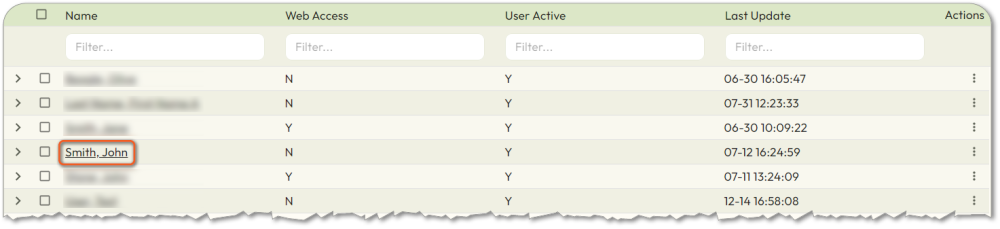
- Select the name of the User you want to deactivate.
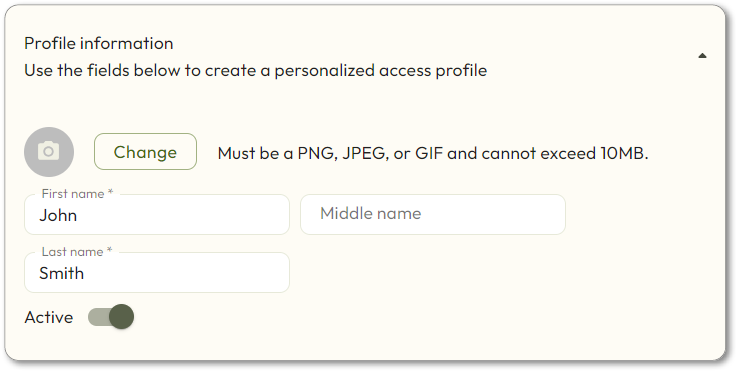
- TheProfile informationpage will be displayed. Set theActivetoggle to the off position.
From the Everyone page:
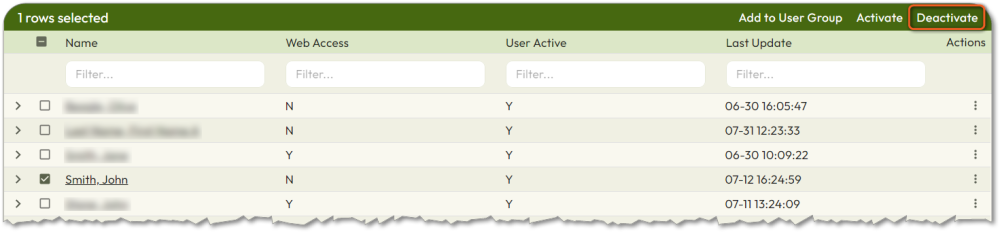
- Select the checkbox next to the name of the User.
- ClickDeactivate, in the upper right corner.