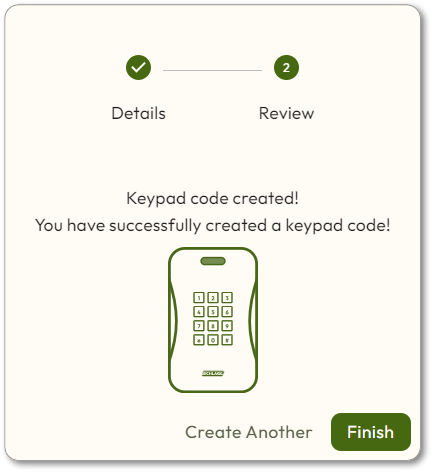
Keypad Code
A Keypad code is a set of numbers that can be used as a credential. The Default PIN Length is set in the Global Settings.
When entering a Keypad code, users must press * first, then enter their code, and press # to submit.
- Navigate toPeople > Everyone.
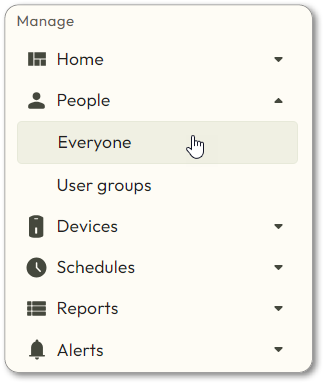
- Click on the User who needs a Keypad code.
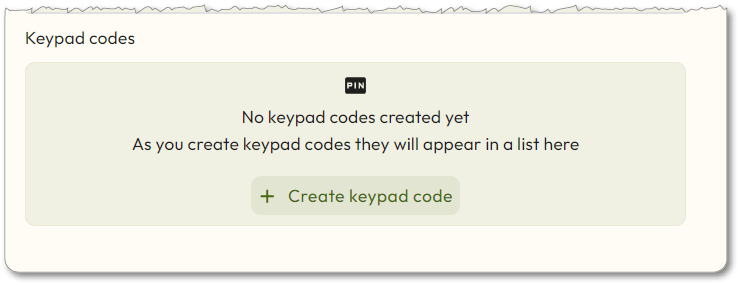
- Scroll down and click onCreate Keypad code.
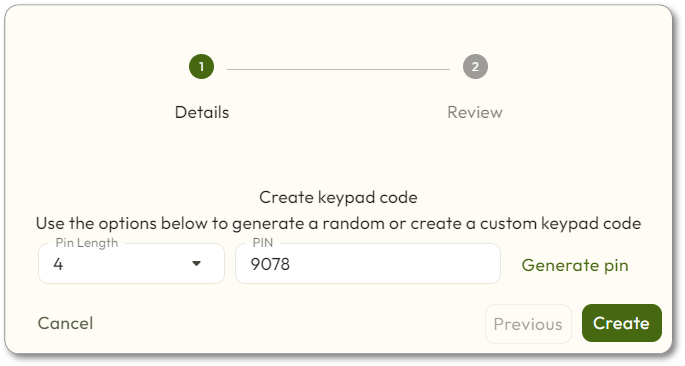
- Choose thePin Length.
- Either enter thePINinto the box, or click theGenerate pinbutton.
- ClickCreate.
- ClickFinish.