Add a Wallet-based Credential
A Wallet-based credential allows a person to use the wallet on their phone to access the property.
- Navigate toPeople > Everyone.
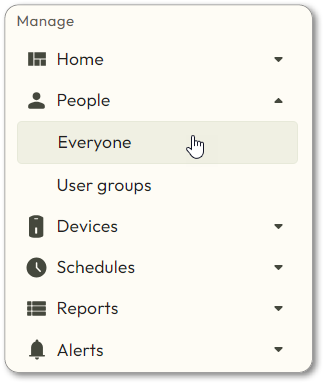
- Click on the user who needs a wallet-based credential.
- Click
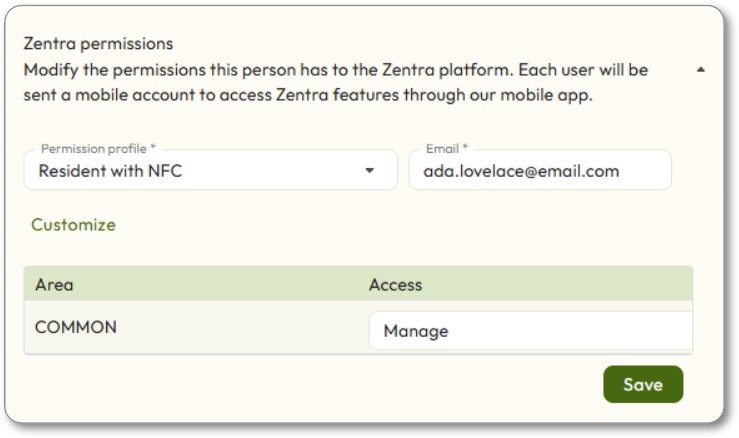
 next to Zentra Permissions.
 - In thePermission Profiledrop-down box, chooseResident with NFC, and make sure that the Common Area is set toManage.
- Enter the user’s email in theEmailbox.
- Click theSavebutton.
- Have the user check their email and click theContinuebutton.
- Make sure to check the spam folder.
- The user should create a password in the system, and then download the Zentra Mobile App.
- The user should log in to the Zentra Mobile App, and then click theAdd to [device] Walletbutton.
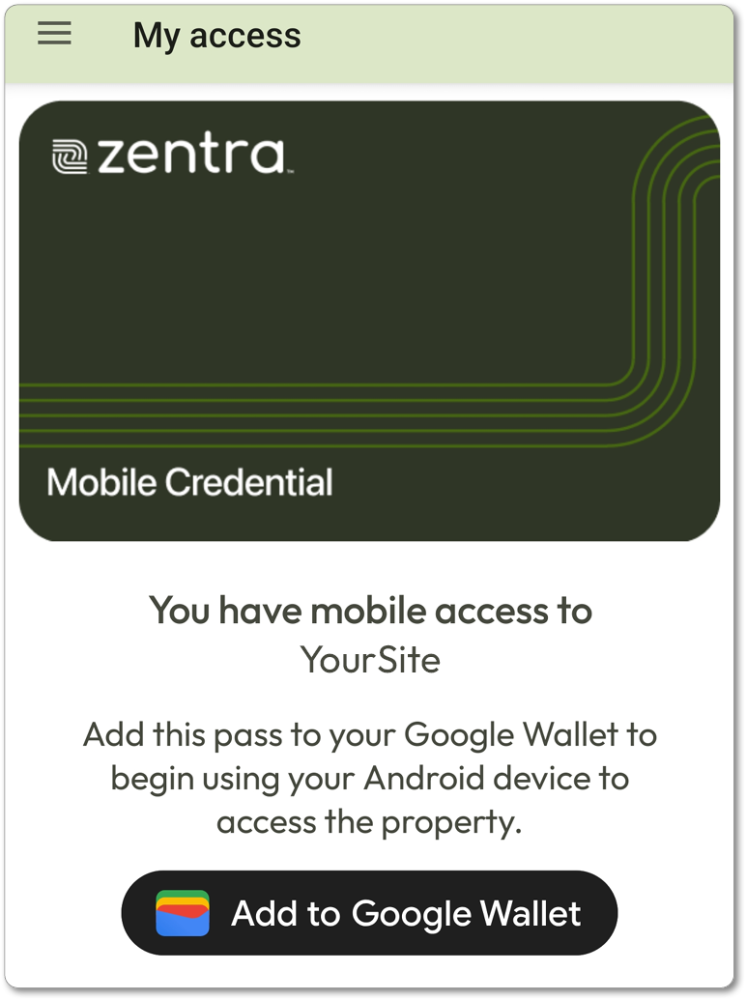
- After the credential is added to the user’s wallet, they may use their device to access openings.