Create a badge – Manual Setup
Badges can be entered manually when no reader is available.
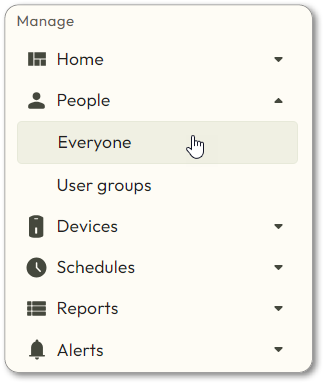
- Navigate toPeople > Everyone.
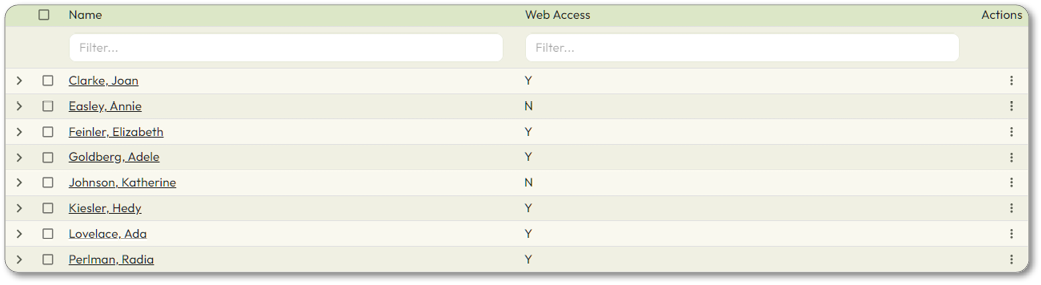
- Click on the User who needs a physical credential.
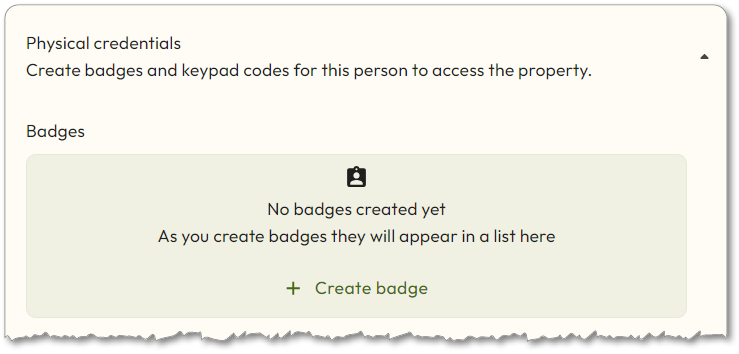
- Scroll down and click onCreate badge.
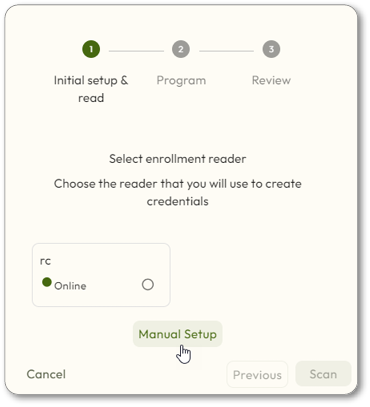
- SelectManual Setup.
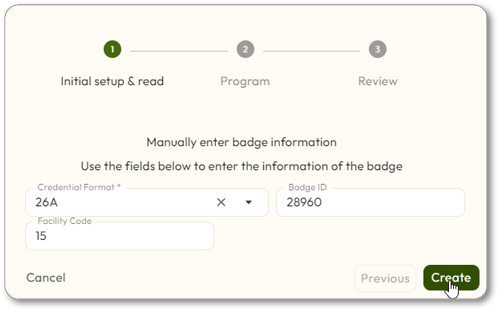
- Enter the badge information, and then clickCreate.
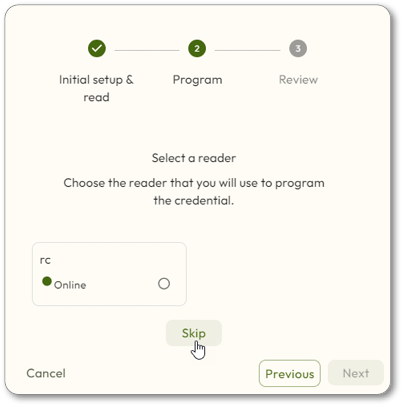
- The screen will ask for a reader to be selected. ClickSkipto continue.
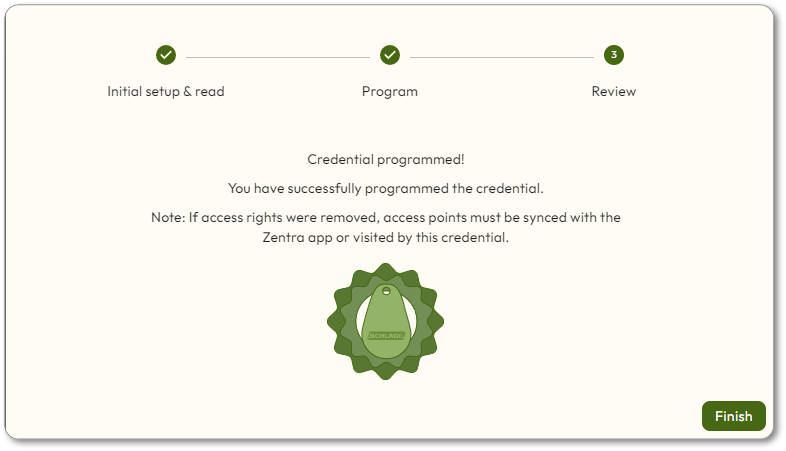
- TheCredential programmedscreen will be displayed. ClickFinish.