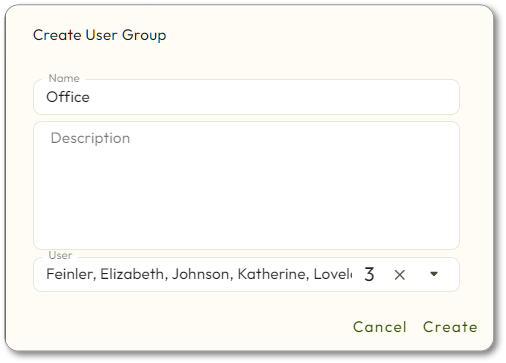
Create User Group
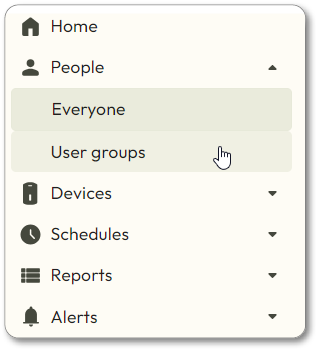
- Navigate toPeople>User Groups.
- Click theCreate user groupbutton in the top right corner.
- Enter the information for the group:
- Name: meaningful name for the group
- Description: further details about the group
- User: Choose which users should be included in the group.
- You can leave this blank for now and then add Users later.
- Click theCreatebutton.