Find device by IP
Another way to configure devices is to use the configuration tool to scan an IP address or range of addresses.
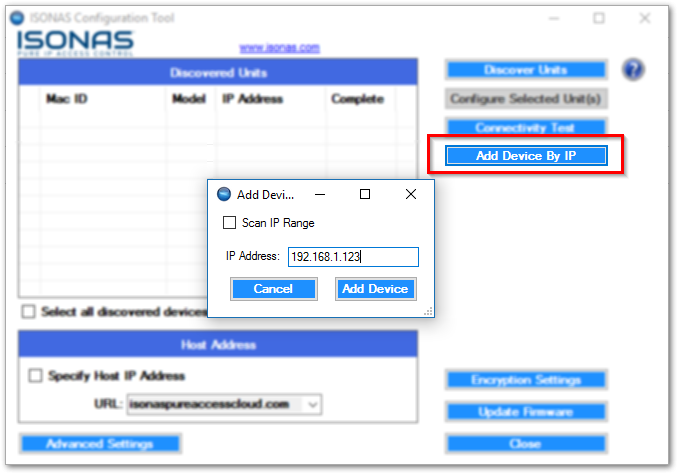 Adding a device by IP
Simply select
Add Device by IP
, then select the Scan IP Range
check box. Enter the start address and the last octet of the end address and select add device.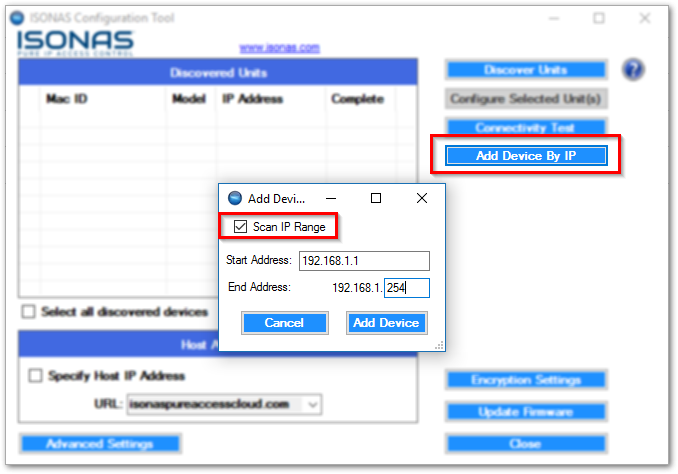 Add Devices by IP range
From here you simply select the units that are discovered by selecting the check box or select all discovered devices and configure them to the appropriate URL.
For more information on how to set up your access points, check out our Network Configuration for further details.