Zentra permissions
Zentra permissions and User permissions are the same. You can edit these permissions through the User > Edit screen, or through Manage Web Access.
- Navigate toPeople>Everyone> [User].
- Click on the User you want to manage.
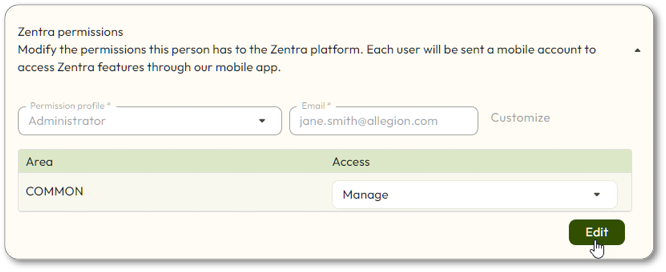
- If the User did not already have an email address entered, you will not need to click theEditbutton.
- Select aPermission profilefrom the dropdown list (or keep the defaultResidentpermission profile).
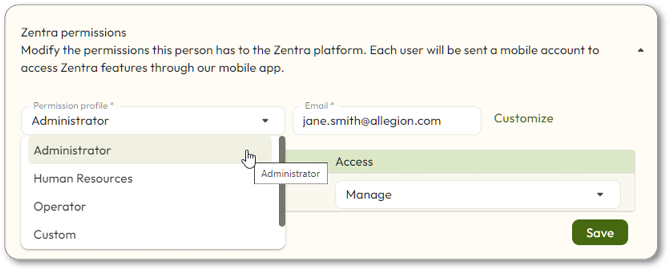
- See User permissions for permission profile definitions.
- ClickSave.
- Click to select anyVieworModifypermissions you wish to add. The selections will automatically be saved.
- If you are setting up a web User, ensure Area access is set appropriately for the User needs.
- If a web access User hasNONEaccess to an Area, they will not be able to view or modify anything within that Area, regardless of their specific web access permission
- If a web access User hasVIEWaccess to an Area, they can only VIEW the objects in that Area, to the extent their web access permissions allow.
- If a web access User has *MANAGE * access to an Area, they can VIEW and MODIFY the objects in that Area, to the extent their web access permissions allow.