Connectivity Test
The
Connectivity Test
is meant to ensure that your network environment is properly configured and ready to add online devices. This will save time during set up by limiting network troubleshooting and narrowing potential networking configuration changes that may prevent connectivity to Zentra.The Connectivity Test will determine if the network segment that the Configuration Tool is running on can make a connection to our server. This simulates a device connection by your PC and does not perform a connectivity test of devices discovered by the tool.
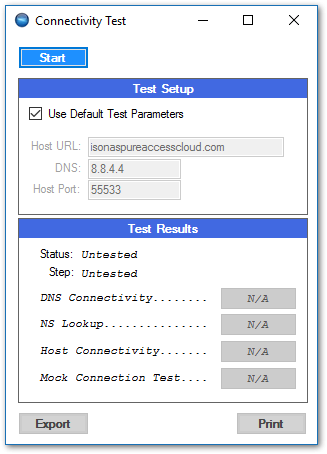
The connectivity test will run a series of four tests:
- Test 1: Pings the specified DNS server (Google DNS by default) 4 times and averages the response time to confirm DNS connectivity
- Test 2: Finds routing info for Zentra using the specified DNS server (Google DNS by default)
- Test 3: Tests connectivity to Zentra by pinging the environment 4 times and averaging the response times.
- Test 4: Simulates a device connection by ensuring a simulated online device can make a connection to Zentra through port 55533.
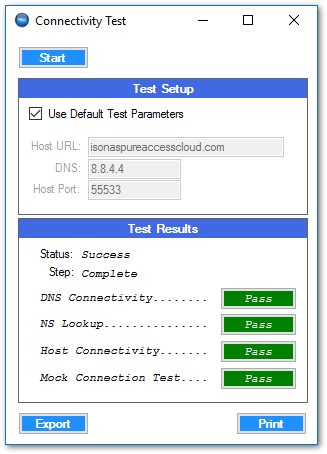
Click on any test result to display more information.
orExport
the results of the test for further review.
Export this test and provide it to your IT or network team to investigate communication issues.