Using the Configuration Tool
Download the latest version of the Configuration Tool.
This application runs only on Windows.
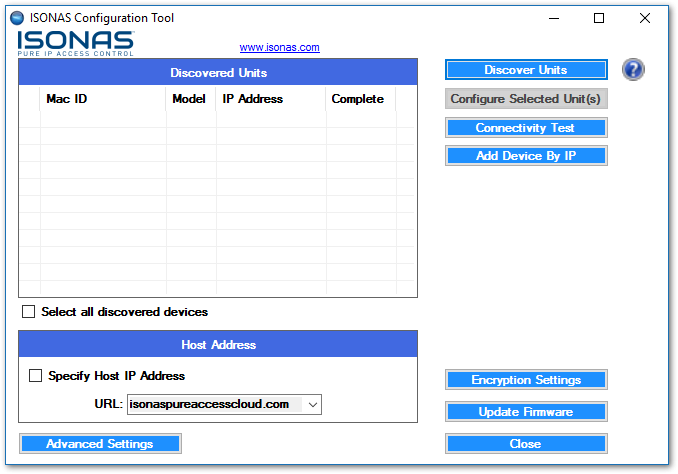
Click
. Any Zentra devices on the local area network will be found. If no devices are discoverable, ensure that the configuration tool is being run on a system that isDiscover Units
on the same subnet
as the readers/bridges.A list of all discovered devices will be displayed:
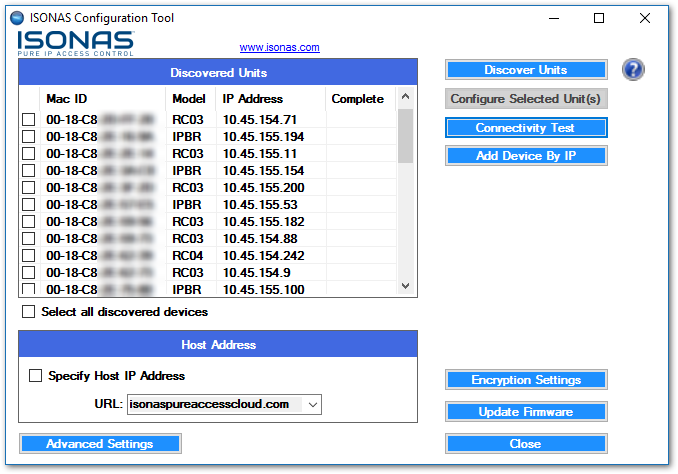
If you are not able to find the devices on the network, see the Discovering Units section.
Click
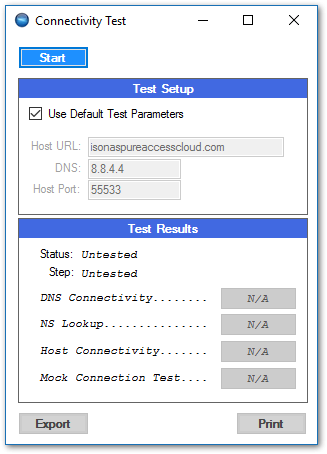
. The app will determine if the network segment that the Configuration Tool is running on can make a connection to Zentra.Connectivity Test
The default test will determine if there is a path to communicate with Zentra over the internet:
If the devices were discovered, proceed to Advanced Configuration to continue setting up the controllers.