Edit a Vendor
- Navigate toPeople>Vendors.
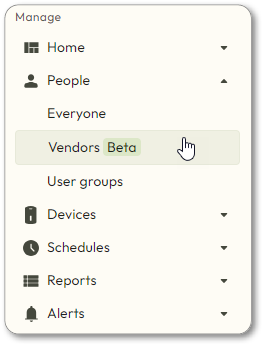
- Find the vendor you want to edit. Then click
 to the right of the vendor’s name and select Edit vendor.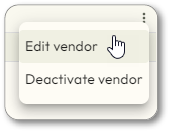
- If theEdit vendorbutton is not available, you must first Activate the vendor.
- Edit any of the information necessary on the next pages, clicking through each screen.
- View the steps in Add a Vendor for a detailed description.
- When theCreate credentialsscreen is displayed, you may see:
- Needs reprogramming: the credential must be reprogrammed
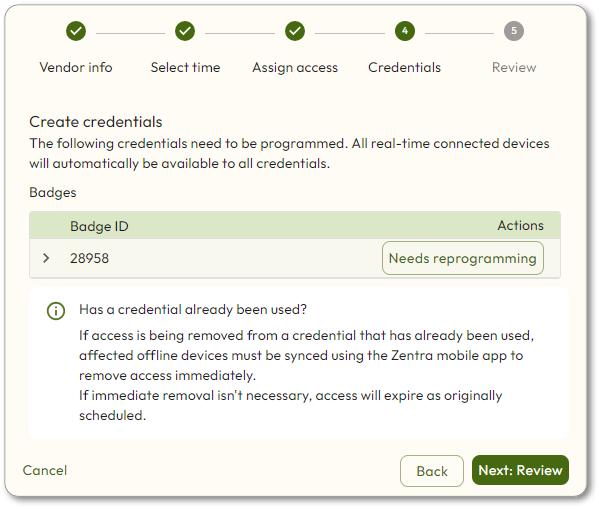 Click Needs reprogrammingand then follow the on-screen steps. See the steps in Add a Vendor for details.
 - Completed: the credential does not need to be reprogrammed
- ClickNext: Review.
- Review the information. If anything is incorrect, click theBackbutton and make edits. Otherwise, clickFinish.