Vendor Management
This feature allows you to give single day access to vendors and other guests. 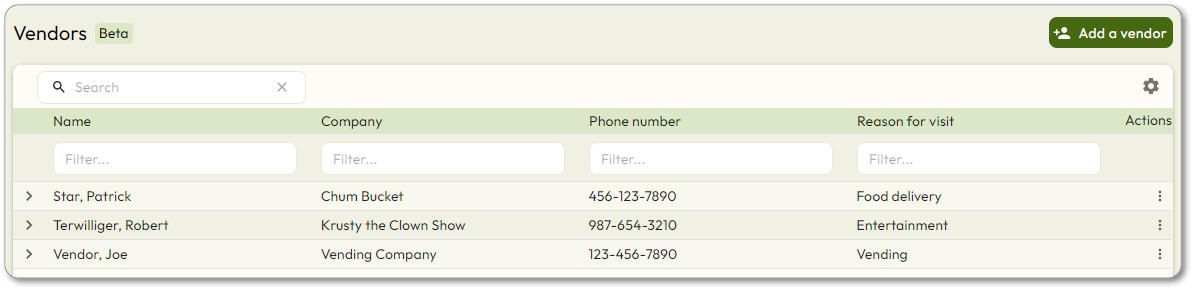
On the Vendor Management page, you can use the 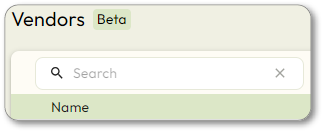
Search
box to search for a specific vendor that was previously added. Click  to change which columns are displayed in the vendor listing.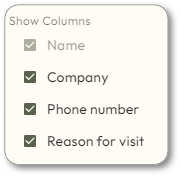
to change which columns are displayed in the vendor listing. View the details of a previously added vendor by clicking  next to the vendor.
next to the vendor. Credentials that are enabled will show a check icon: 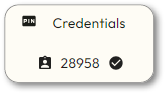
Credentials that are disabled will show an x icon: 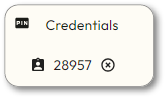 A credential may be disabled either because it has expired, or because the vendor was deactivated.