My Access
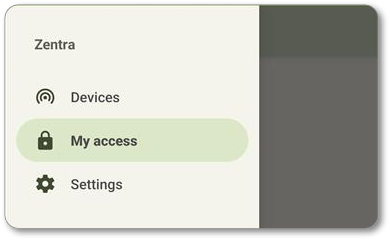
Navigate to the
My Access
tab is used to access Zentra Mobile Credentials.- Sign in to the Zentra Mobile App.
- Navigate to theMy Accesstab.
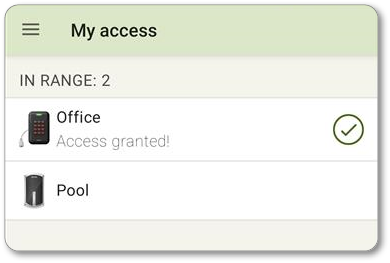
- The devices that are in range and that the User has access to will be shown.
- PressAccess Dooron the Device you wish to access. If the mobile credential is sent to the Device successfully, anAccess granted!message will be displayed. Please note that if access privileges are not correct,Access granted!may be shown even if the Device does not unlock. In this case,Update accessshould be used.
Users with the
Resident
role will be able to activate a mobile credential without Area access. Any other role type, including custom, will require manage
access to the Area in order to successfully activate a mobile credential. See Zentra permissions for more information.